Import
Import that respects the source.
Every recipe keeps a link back to its original creator, and anything the AI estimated is flagged for review. Nothing is scraped and stripped of credit.
Yumtastic is a recipe app that turns Instagram, TikTok, and web posts into clean recipes you can keep, organize, and cook — with the creator still credited.


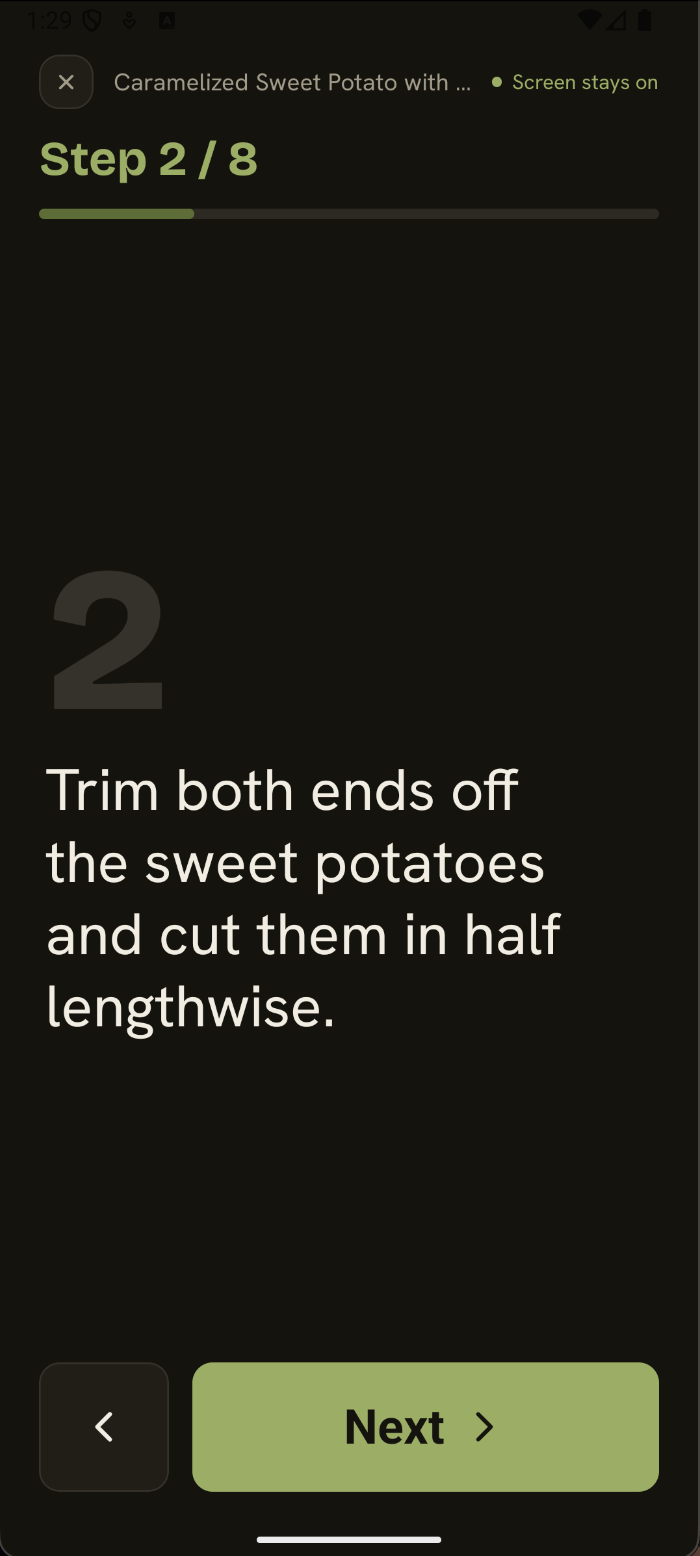
Every import keeps a link to its creator and flags anything the AI estimated — then Cook Mode takes over, one big step at a time.
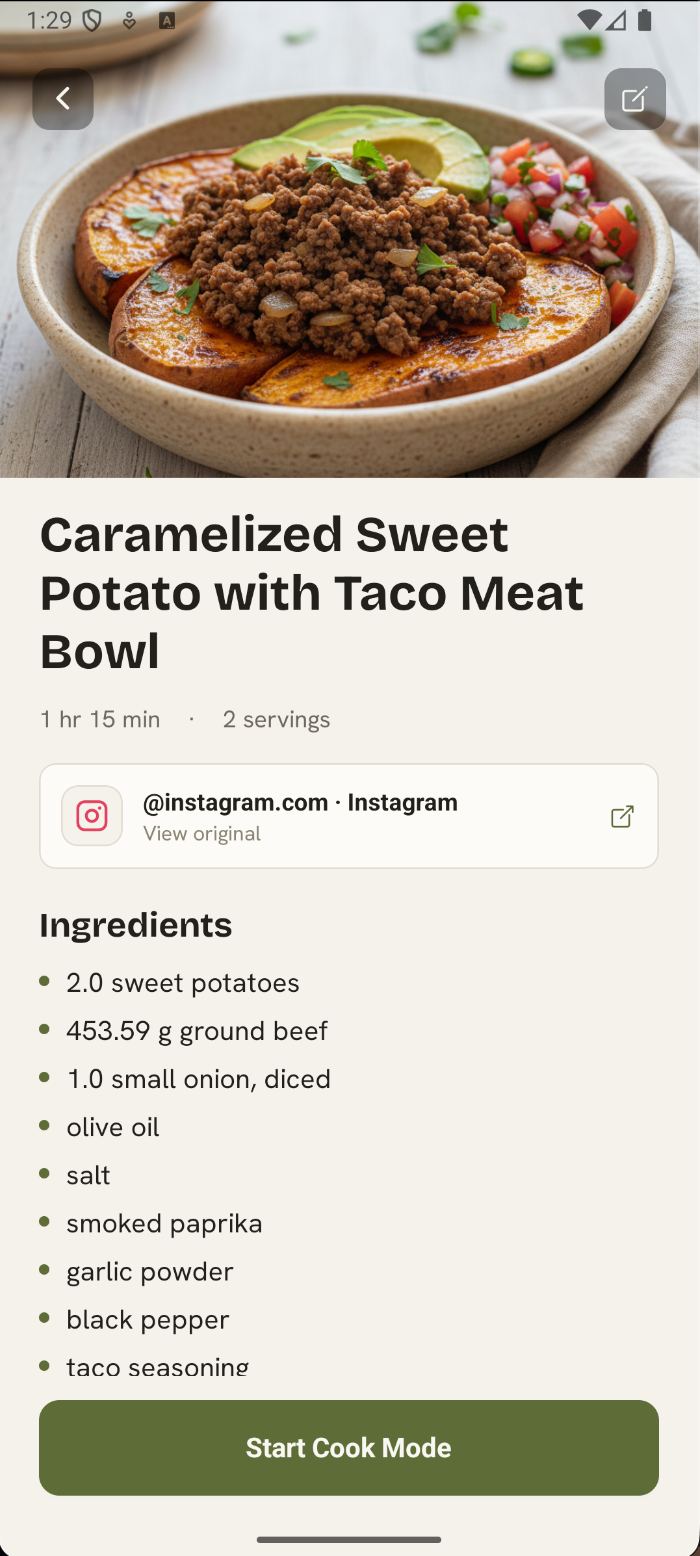
Send a link from Instagram, TikTok, or the web — or paste text and a photo straight in.
AI reads the post and builds a clean recipe: ingredients, steps, and timings you can actually follow.
Save it, sort it into a collection, and open Cook Mode whenever you're ready to start.
Every recipe keeps a link back to its original creator, and anything the AI estimated is flagged for review. Nothing is scraped and stripped of credit.
Full-bleed covers, not framed tiles. Group recipes into collections — weeknights, baking, your grandmother's — and search across every one in a second.
One dominant step at a time, big readable type, built-in timers, and a screen that never dims. No ads, no comments — just you and the next move.
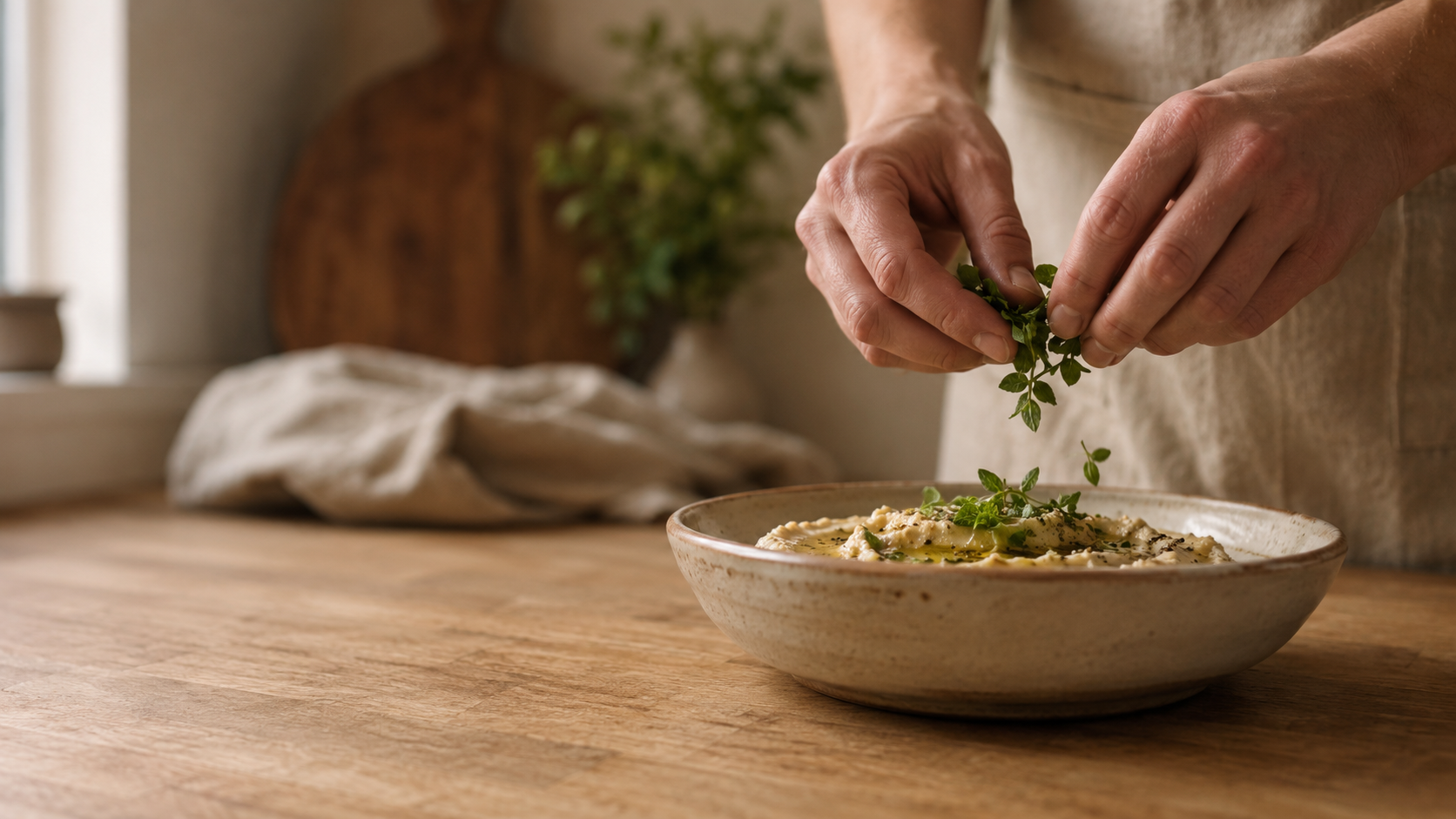
Recipes and interface in eight languages — English, Español, Français, Deutsch, Italiano, Português, Русский, and Eesti. Found a recipe in a language you don't speak? Just save it to translate it.
Calories, protein, fat, and carbs show up when the recipe itself states them — never calculated from your ingredients. Every number stays labeled as the creator's own, not ours.
Drag recipes onto a weekly calendar, see breakfast through dinner at a glance, and jump into Cook Mode the moment it's time. Included with Yumtastic Plus.
Add ingredients straight from any recipe or the whole week's plan — Yumtastic groups them by aisle so you check off the list once, not five times. Included with Yumtastic Plus.
| Screenshots & bookmarks | Yumtastic | |
|---|---|---|
| Finding it again | Scroll your saved reels and DMs | ✓Every recipe, searchable |
| Ingredients | Pause and squint at a video | ✓Clean, scalable ingredient list |
| The creator | Lost after a re-share | ✓Always credited with a source link |
| Cooking | Ads, comments, a dimming screen | ✓Focused, always-awake cook mode |
Yes — free to start, with 20 imports for life plus a small weekly trickle after that, no credit card required. Yumtastic Plus adds meal planning, shareable grocery lists, and higher import limits when you're ready.
Import from Instagram, TikTok, and Facebook, any recipe on the web, plus your own photos and typed-in text.
Always. Every imported recipe keeps a link back to its original source and creator — credit travels with the recipe, and we never republish it.
Yes — it's live at web.yumtastic.app. Save, organize, and cook from any browser on your laptop or tablet.
Eight at launch: English, Español, Français, Deutsch, Italiano, Português, Русский, and Eesti — recipes and interface alike.
Android is on Google Play now — pre-register or install from the badge above. The App Store release is still on the way.
Can't find what you're looking for? We're always happy to help personally.
Send us an emailWe'll get back to you quickly!
Get Yumtastic on Google Play today — App Store coming soon — or open the web app now.